SOP template for a service business, with worked examples
A standard operating procedure (SOP) writes down how a task is done so everyone does it the same way. A one-page template, two worked examples from service work, and how to keep SOPs used.
By Primemgr TeamHow we research and check this
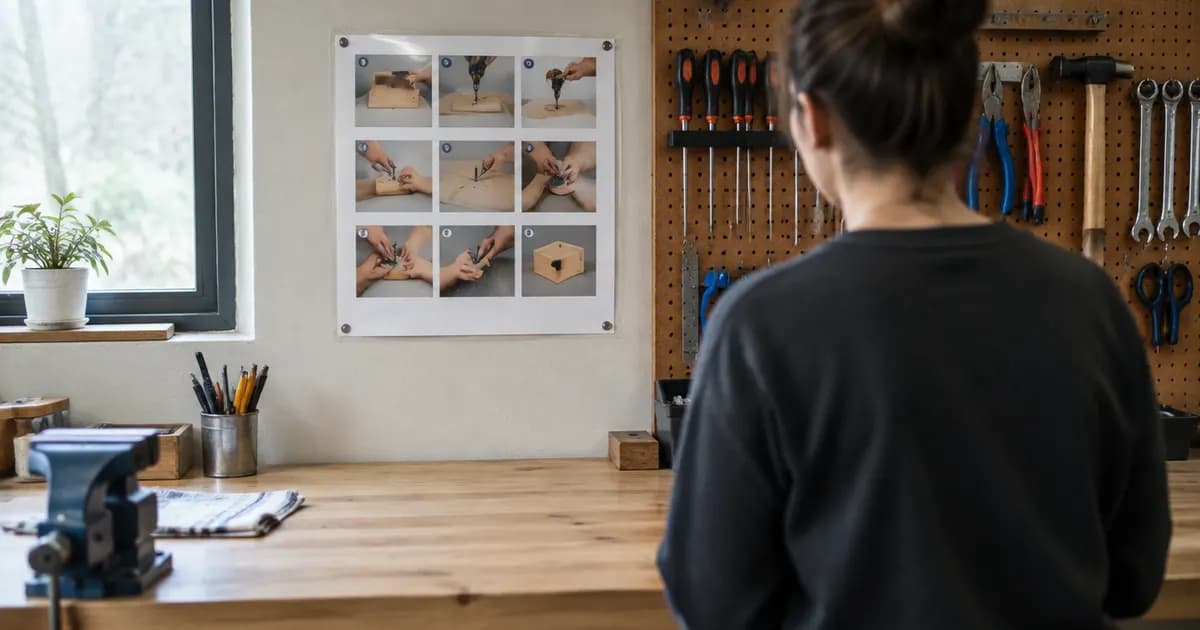
A standard operating procedure (SOP) is a short written description of how a recurring task is done, step by step, so anyone in the business can do it the same way. In a service business the tasks worth writing down are the ones that cost money when they are done differently: taking a booking, preparing for a visit, closing out a job, handling a complaint.
A one-page SOP template
Heading | What to write |
|---|---|
Title | The task, as a verb: "Close out a job on site" |
Purpose | One sentence: why this matters |
When it applies | The trigger: "At the end of every visit, before leaving the site" |
Who does it | The role, not the person |
What you need | Tools, forms, access, information |
Steps | Numbered, one action each, in the order they happen |
Done looks like | How you know it was done right |
If something goes wrong | The common exceptions and what to do |
Owner and review date | Who keeps it current, and when it is next checked |
Worked example: taking a booking by phone
- Ask for the customer’s name and phone number, and search for an existing record before creating a new one.
- Confirm the site address and ask about access: parking, gates, pets, keys.
- Ask what the problem or service is, and note it in the customer’s own words.
- Offer two available times, not an open question.
- Tell the customer the call-out fee or estimate, how payment works, and your cancellation policy.
- Book it, and confirm the date, time window and price back to the customer before hanging up.
- Check the confirmation message has gone out.
Done looks like: one customer record, one booked job with access notes, and a confirmation sent. If something goes wrong: if no time suits, take the job as unscheduled with the customer’s preferred days and call back within one working day.
Worked example: closing out a job on site
- Complete the checklist for the job type.
- Take after photos of the finished work.
- Record time on site and materials used.
- Note anything found that needs future work, and quote it separately if the customer wants it.
- Walk the customer through what was done and get their sign-off.
- Mark the job done so it can be invoiced the same day.
How to write SOPs people actually use
- Write it with the person who does the task, watching them do it.
- Keep each one to a page. If it is longer, it is two procedures.
- Put the steps where the work happens: in the checklist on the job, not in a folder nobody opens.
- Review each one when a mistake happens, not only once a year.
- Start with the three tasks that cause the most rework or complaints.
The free SOP generator lays out a one-page procedure in exactly this format, ready to print.
Turning SOPs into checklists in Primemgr
An SOP is most useful as a checklist on the job itself. In Primemgr, inspection and checklist forms are attached to jobs and filled in on a phone on site, and the completed checklist stays on the job’s record. Industry packs include starting checklists for each trade, such as the air conditioner service checklist and the end-of-lease cleaning checklist. Your written procedures become the steps people tick off, rather than a document they have to remember.
Official guidance
- Planning your business (business.gov.au (Australia))
- Small business guide (U.S. Small Business Administration)
- Set up a business (GOV.UK)