Cleaning business software: the features that matter and how to choose
What cleaning business software should do for regular cleans, one-off jobs and commercial contracts, the features that matter most, and how to test one before committing.
By Primemgr TeamHow we research and check this
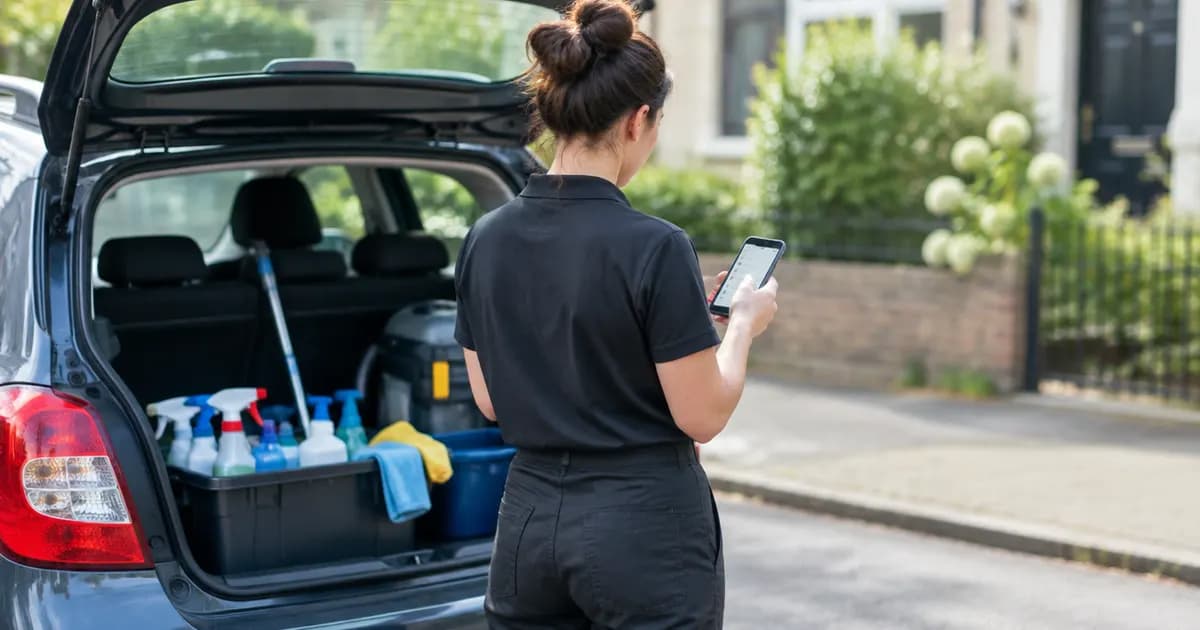
Cleaning business software books regular and one-off cleans, sends each cleaner to the right home with the right notes, records what was done, and invoices the customer. The feature that matters most is recurring scheduling: most cleaning revenue comes from customers seen every week, fortnight or month, and the software should book those visits without anyone re-entering them.
The features that matter, in order
- Recurring visits that book themselves, can be paused for a holiday, and keep the same cleaner where possible.
- Home notes on every visit: access, keys, alarm codes, pets, products to use or avoid.
- Checklists on a phone, room by room, with photos, so quality is visible. See the house cleaning checklist.
- Quotes with optional extras, accepted online. See the cleaning estimate template.
- Reminders to customers before each visit, and a message when the cleaner is on the way.
- Invoicing per visit or monthly, with unpaid invoices chased.
- Online booking for one-off cleans, with your cancellation terms shown up front.
- Reports that show which customers’ cleans run over the time you priced. See cleaning business KPIs.
Residential vs commercial needs
Need | Residential | Commercial |
|---|---|---|
Scheduling | Many short visits, same homes | Fewer sites, fixed after-hours slots |
Pricing | Per visit or per hour | Per month on a contract |
Proof of work | Checklist and photos | Checklist, photos, and sign-in times |
Invoicing | Per visit | Monthly, often to a property manager |
Customer access | A booking and invoice link | A portal with the contract, visits and invoices |
Questions to ask before you buy
- How is it priced as you add cleaners: per user or per business?
- Can a cleaner see only their own visits and the notes they need?
- What happens to future visits when a customer pauses or changes day?
- Are text messages included, extra, or not offered?
- Can you export your customers and history if you leave?
- Does it take card payments for you, or do you record the payments you receive?
The broader checklist in service business management software applies too. Trial any system on two weeks of real bookings before moving every customer across.
Cleaning in Primemgr
Primemgr has a cleaning pack that sets up: jobs with access, pets and equipment fields; statuses from booked through in progress and awaiting quality check to done; a room-by-room cleaning checklist; a message telling the customer the cleaner is on the way; and a review request after a clean. Regular cleans run on service agreements that raise each visit ahead of time and can be paused. Online booking shows your deposit and cancellation terms before anyone books. Invoices are sent by email and the payments you receive are recorded against them; Primemgr does not take card payments online for you. Messages are sent by email; text messages are not offered. See cleaning services and the schedule template.
Official guidance
- Janitors and building cleaners (U.S. Bureau of Labor Statistics)
- Health and safety made simple (HSE (UK))